

1. Create workspace
Choose your plan and submit your business and owner details.
BUSINESS FEATURES
Bring sales, inventory, invoicing and purchasing together in your own GARADSO workspace.
Follow quotes, products, invoices and suppliers with five core Community apps.
Use the reports and record views available in your enabled business apps.
Keep your business records in a separate database with access for authorized users.
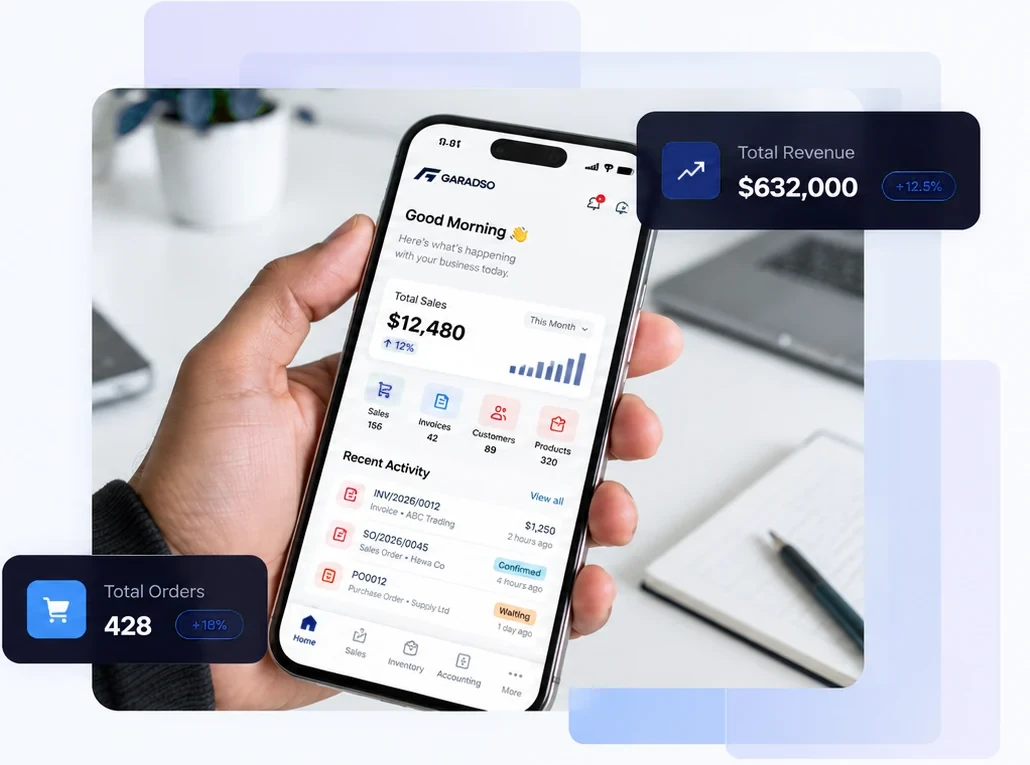
YOUR WORK, CONNECTED
Stay close to your records, wherever your working day takes you.
Review sales, stock and invoice records through the reports in your enabled apps.
Prepare invoices and record payments in one connected business workspace.
Assign users the roles and permissions appropriate to their work.
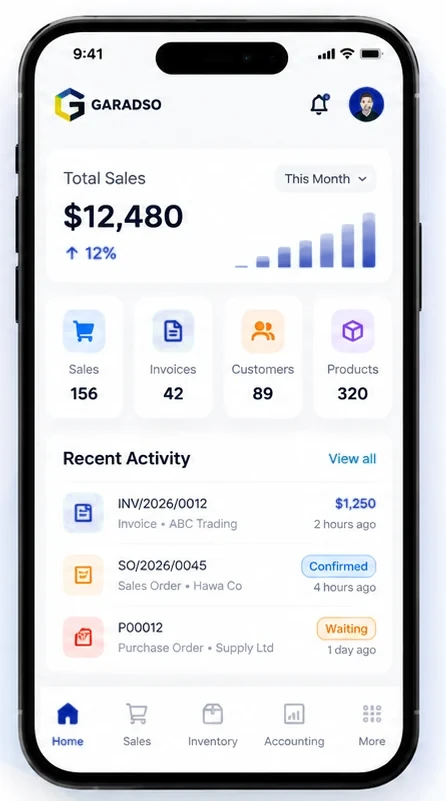
Discuss integration requirements and supported interfaces with GARADSO.
Keep company information, users and enabled apps organized.
Move from quotations and orders to purchasing and stock movements.
BUILT TO CONNECT
Plan integrations around the Community apps and interfaces supported by your workspace.
Agree the required data, permissions and configuration before connecting external tools.
Available interfaces and third-party services depend on your selected setup.

HOW IT WORKS
Set up your workspace, verify your account and start managing your business in one place.
Choose your plan and submit your business and owner details.

Confirm your email to continue setting up your GARADSO workspace.

Start with Sales, Invoicing, Inventory, Contacts and Purchase.
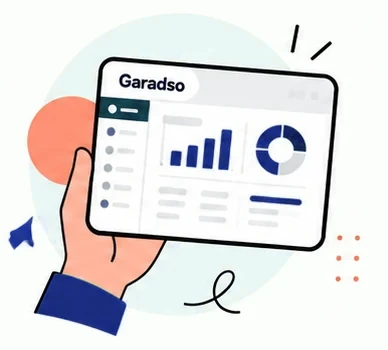
Sign in to your workspace and organize your everyday business records.
WHAT COMES NEXT
Organize your business today. Discuss future automation and AI-GEENA possibilities with the GARADSO team.
AI availability, integrations and implementation scope require separate confirmation.
Discuss your workflow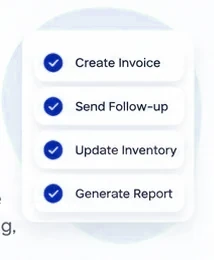
Start by organizing recurring work through the tools in your enabled apps.

Review existing reports to understand your business activity.

Bring sales, inventory, invoicing and purchasing records closer together.
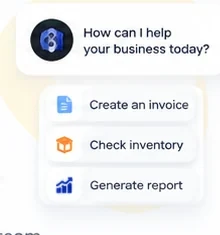
AI-GEENA is a future capability to explore; automated AI actions are not currently included.